Xiaomi Check [Clean/Lost] IMEI/SN/Lock Code
Xiaomi Remove Account
$0.49
In stock
Delivery time: 30-45 Minutes
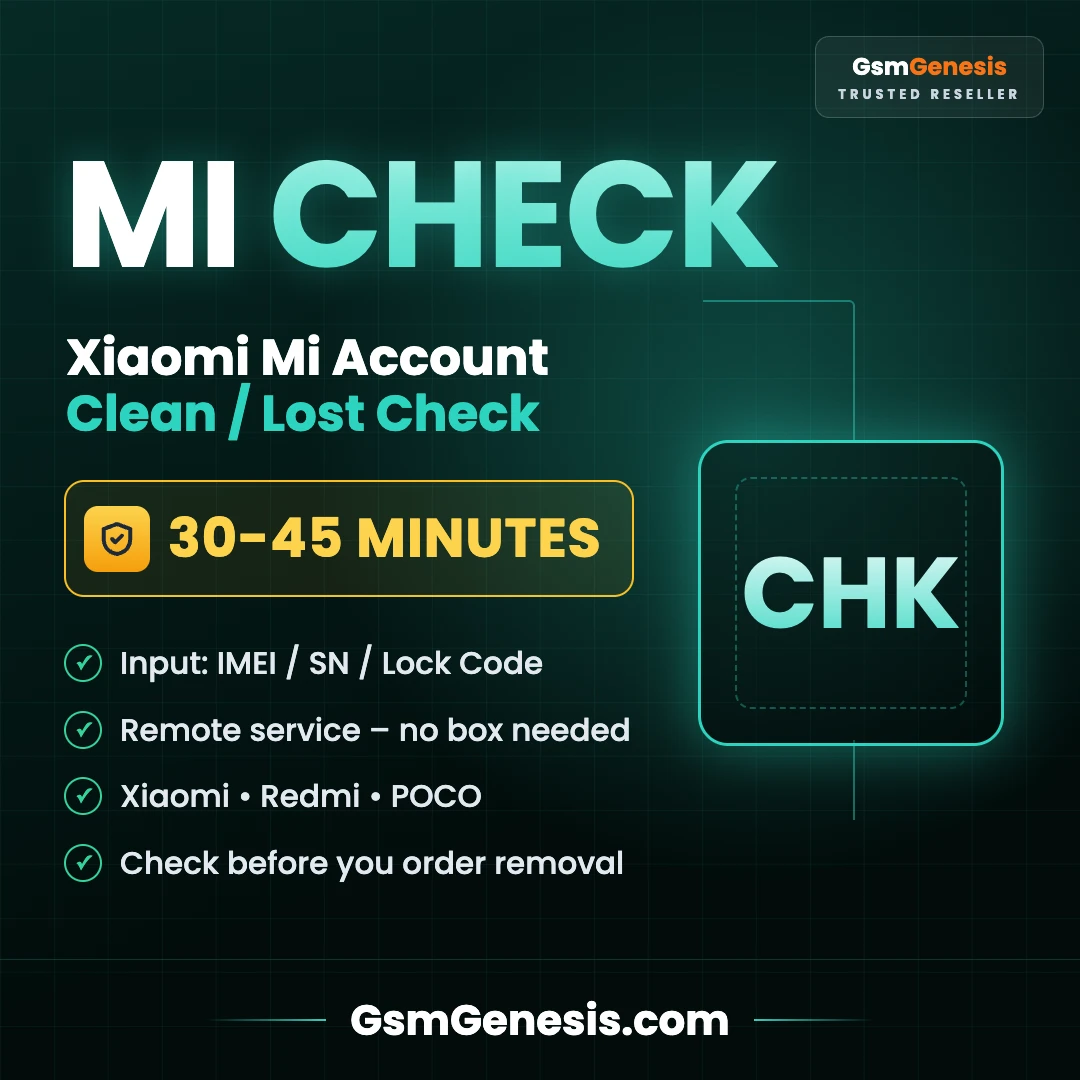
Xiaomi Clean / Lost Check – Shows if the phone is Clean or Lost, with MI Activation Lock status and phone number hint (e.g. MI Activation Lock: ON · Status: LOST · Phone hint +7977*****42).
🔍 Xiaomi Clean / Lost Check
Shows if the phone is Clean or Lost, with MI Activation Lock status and phone number hint (e.g. MI Activation Lock: ON · Status: LOST · Phone hint +7977*****42).
⏱ 30-45 Minutes📝 IMEI / SN / Lock Code🎯 Why Use It
- Find the right country service before ordering a Mi Account removal.
- Avoid ordering the wrong service – a wrong country is not refunded.
🔑 How to Get the Lock Code
- On the Mi Account / activation lock screen, connect the phone to Wi-Fi.
- Tap the padlock icon several times (about 7–10 taps) until the lock code appears.
- Write the code exactly as shown, in CAPITAL letters, without # or other special characters.
⚠️ Important Notes
- New-format lock codes (like 44FM-RDCJ-H404-YS7) cannot be checked on Xiaomi's free check page.
- Enter the code exactly as shown, in capital letters.
- Digital service – no refund after the result is delivered.
Server Service
( GFT ) Global Frp Tool Xiaomi FRP - Realme FRP Unlock Credit Any Qty [Existing Account]
1 minutes
IMEI Service
[ SERIAL + WIFI + BT ] IPAD A5 AUTO REPLY INSTANT |Warranty 7 Days|
1 minutes
IMEI Service
[ SERIAL + WIFI + BT ] IPAD CPU A7| A7X | A7DUAL AUTO REPLY INSTANT |Warranty 24H| (100% ACTIVE ) ( Reply Picture ) ( Direct Source )
1 minutes
IMEI Service
[ SERIAL + WIFI + BT ] ONLY IPAD Air2 | 24 Hours Warranty | ( IPAD AIR2 100% ACTIVE ) ( Reply TEXT ) ( Direct Source )
1 minutes
IMEI Service
#1 Infinix / Tecno / iTel Demo Mode Removal (Original IMEI)
1-24 hours
IMEI Service
#1 Tecno ID / Infinix ID Removal - Original IMEI Extract From Battery Serial
1-6 hours